
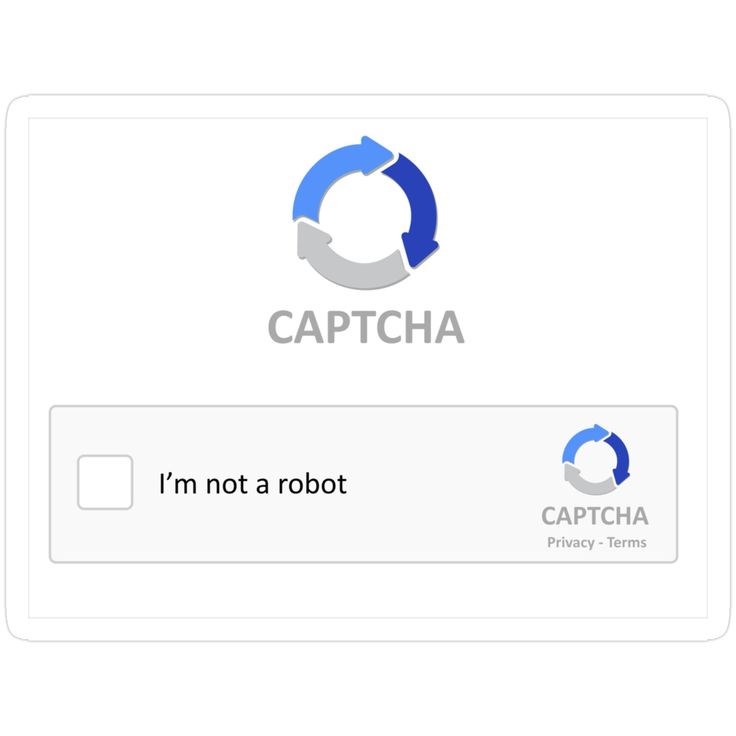
CAPTCHAs have become a common method of testing the difference between humans and bots and thus, this confidence has been used by cybercriminals. Forged CAPTCHA tricks are growing in popularity in order to lure the users into downloading malware, providing personal information, or opening their machines to the hacker. It is possible since the fraudsters capitalize on human nature and put the malicious links in the form of the common “I am not a robot” checkbox. To ensure safety against the increasing online scams, it is important to learn the mechanism behind these scams, and the symptoms that will enable one to guard themselves.
The Rise of Fake CAPTCHA Attacks
Cybercriminals have also started using lures of fake CAPTCHA pages to trap innocently clicking users. Rather than confirm authenticity, the scam prompts lead the user to malicious websites or download malicious programs. CAPTCHAs also provide an excellent form of disguise since they are simple enough to hardly prompt someone to consider their authenticity. Based on such trust, hackers propagate adware, spyware, or even ransomware, explaining why such scams are an emerging phenomenon in the world of cybersecurity.
How the Scam Works
This type of fake CAPTCHA is usually displayed when launching unsecured or hacked websites. When a user clicks on the button that states that the user is not a robot, the scripts that were hidden initiate forcing the user to download something or they use the false pop-up. Other tricks might even include an authorization of browser access by the user to result in persistent push information. This exploitation usually occurs without the victim's notice and until it slows down the device or offers advertisements or unveils personal details to hackers.
The Dangers of Falling Victim
Fake CAPTCHA scams do more than pop-up annoyance. The users face a risk of stealing of their data, phishing or even the complete compromise of their devices. There are instances where the malware is used to silently steal keystrokes, either by stealing access to user accounts, or banking information. Businesses particularly are in a very weak position since any infected machine can take down entire networks. By not taking these risks into consideration, hackers will take more advantage of these gaps as an ordinary checkbox may commence as a significant threat to cybersecurity.
Red Flags to Spot
CAPTCHA scam detection is a task that demands close attention. Strange wording, badly formatted pages, or CAPTCHAs on pages that have nothing to do with signing on are warnings. When the CAPTCHA demands repeated clicks, redirecting or downloading required files, it is most likely an anti-bot. Also, users must watch out when sites would request permission to receive their notifications the minute they complete CAPTCHA because this is usually an indication that a scam is in the process.
How to keep yourself away from scams.
Safety involves taking initiative. There is always safety to ensure that websites are legitimate before engaging CAPTCHAs. Browsers and security software should be kept up-to-date to prevent vicious scripts. Deny applications or sites that do not need access and use cookies so as to remove cookies frequently in order to reduce tracking. It is also important to educate your people and yourself about phishing techniques. Through awareness in conjunction with implementing good cybersecurity habits, you are able to minimize the possibility of being scammed by the use of fake CAPTCHAs and defending sensitive information.
Conclusion
Fake CAPTCHAs are examples of how cybercriminals take advantage of simple trust systems to hack into the devices. Something that looks like a harmless security check may lead to not only malware or stolen data but rather compromise of a system. Other important safeguards are being aware of warning signs, safe browsing and having a powerful set of security tools. Online threats are becoming increasingly advanced, and it is therefore important that users be alert. Keep in mind that not all “I am not robot” check marks are good and in some instances, they are the pitfalls where hackers can easily get victims.


Leave Comment